
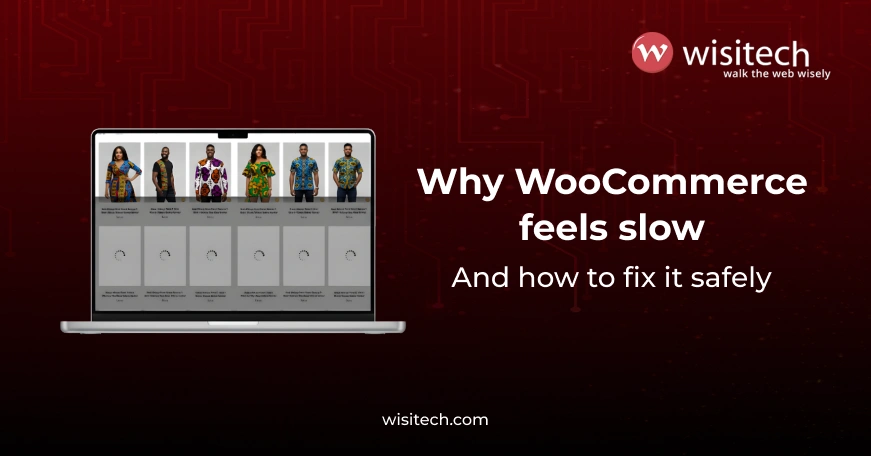
If your WooCommerce store feels slow, you’re not alone.
Most store owners don’t wake up thinking, “My WooCommerce site is slow.”
They feel it in other ways:
- Ads are getting clicks, but sales aren’t coming through.
- Visitors browse, then disappear without adding anything to the cart.
- Clients complain the site “feels heavy,” but can’t explain why
- Every new plugin or update feels risky.
- Agencies spend more time firefighting than growing accounts.
At some point, it becomes clear: WooCommerce’s slow loading is hurting the business, even if everything looks fine.
This article explains why WooCommerce becomes slow, why it often shows up more clearly in competitive markets, and how to fix it in a way that’s safe, practical, and scalable.
If WooCommerce’s slow loading is hurting your sales, let’s fix it.
Wisitech helps businesses and agencies identify what’s actually slowing their stores down and resolve it without risking stability.
Free consultation
Why slow WooCommerce sites lose money quietly
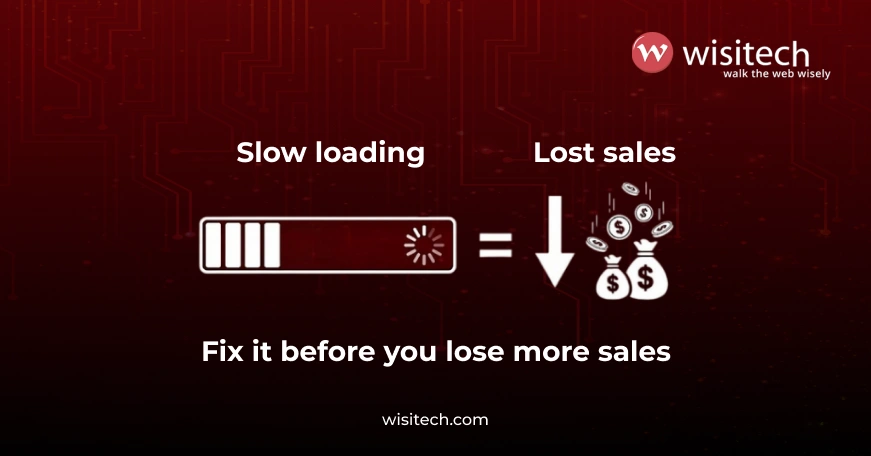
Speed problems rarely crash a store outright.
They do something worse: they slowly leak revenue.
When a page takes too long:
- users hesitate
- trust drops
- buying momentum breaks
Shoppers don’t complain. They leave.
This is why WooCommerce slow loading is one of the most expensive problems store owners ignore, not because it’s dramatic, but because it’s subtle.
Why WooCommerce feels “fine” sometimes and slow at other times
One of the most frustrating things about WooCommerce speed issues is inconsistency.
The store might:
- Load okay on your laptop.
- Feel slow on mobile
- Lag during ads or campaigns.
- break rhythm during checkout
That inconsistency creates doubt:
“Is it really a speed issue… or something else?”
In most cases, it is speed, just not in an obvious way.
The real reasons WooCommerce becomes slow
Let’s break this down in plain language.
1. Your store is far from some of your customers
WooCommerce stores often serve customers across regions.
If your hosting is far from part of your audience, pages take longer to reach them. This delay becomes more noticeable in regions where users expect fast, polished experiences.
This distance-based delay is one of the most common causes of WooCommerce slow loading, and it’s often invisible to store owners testing locally.
2. Hosting that worked early doesn’t scale well
Many businesses start with basic hosting. That’s normal.
But WooCommerce grows heavier over time:
- more products
- more orders
- more users
- more plugins
- more traffic sources
Hosting that once felt “good enough” is quietly struggling. Pages hesitate, especially during busy moments.
This is where WooCommerce speed issues usually begin, not suddenly, but gradually.
3. Product images are slowing down the experience
WooCommerce is visual by nature.
But large images:
- Slow down browsing
- Delay page visibility
- Hurt mobile users the most.
The problem isn’t having good images, it’s having unoptimized images.
This is one of the simplest fixes, yet one of the most ignored causes of WooCommerce’s slow loading.
4. Plugins pile up over time
Plugins are convenient. Too many become a problem.
Most stores don’t add plugins recklessly; they add them over time:
- A review tool
- a marketing tracker
- a feature requested by a client
- A quick fix that never got removed
Each plugin adds weight. Eventually, the store feels sluggish, with no obvious cause.
5. WooCommerce isn’t tuned for speed by default
WooCommerce prioritizes flexibility.
Out of the box, it tries to handle:
- carts
- sessions
- pricing rules
- inventory updates
Without proper configuration, pages behave like they’re constantly “thinking”, even when they don’t need to.
This is a major contributor to WooCommerce’s slow loading, especially on product and category pages.
If this sounds familiar, your WooCommerce store doesn’t need guesswork.
Wisitech helps businesses and agencies identify what’s actually causing WooCommerce slow loading and fix it safely, without breaking the store.
Free consultation
What store owners usually feel (but rarely say)
From our experience at Wisitech, store owners often feel:
- “I’m afraid to touch anything. What if it breaks?”
- “Every fix seems to create a new problem.”
- “The site looks good, but conversions are low.”
- “Developers talk in jargon, not solutions.”
These feelings matter because speed fixes should reduce stress, not add to it.
How Wisitech approaches WooCommerce speed (our philosophy)
We don’t treat speed as a checklist.
At Wisitech, our approach to WooCommerce speed optimization is based on one principle:
Make the store feel fast to real shoppers, not just tools.
That means:
- Prioritizing what users see first
- Fixing bottlenecks that affect buying decisions
- Avoiding risky changes that disrupt operations
This is especially important for agencies trusting us with white-label work.

Simple, safe ways to fix WooCommerce slow loading
Here’s what actually works, without overcomplicating things.
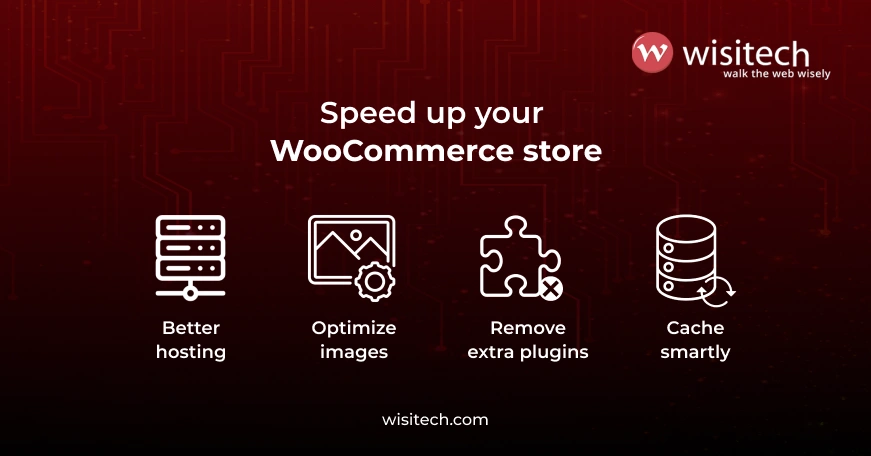
1. Bring the store closer to visitors
When your store content is delivered closer to users, pages load faster; it’s that simple.
This doesn’t always mean rebuilding everything. Often, it’s about using the right infrastructure so distance doesn’t become a disadvantage.
This step alone can dramatically reduce complaints about WooCommerce’s slow loading.
2. Use hosting that understands WooCommerce behavior
WooCommerce behaves differently from basic websites.
Hosting that’s optimized for it:
- Handles traffic spikes better
- keeps checkouts smooth
- reduces random delays
This is especially critical for startups running ads and agencies managing multiple stores.
3. Fix images before touching design
This is a big one.
Optimized images:
- load faster
- Make pages feel responsive.
- Improve mobile experience immediately.
It’s one of the quickest wins in any WooCommerce speed project.
4. Clean plugins with purpose
At Wisitech, we don’t just remove plugins; we evaluate intent.
If a plugin doesn’t clearly support:
- sales
- operations
- user experience
…it’s usually doing more harm than good.
Reducing plugin clutter often fixes unexplained WooCommerce speed issues.
5. Cache smartly, not aggressively
Not everything needs to be live.
Pages like product listings and categories can load instantly when handled correctly.
Checkout and cart pages stay dynamic.
This balance is what makes stores feel fast and reliable.
6. Let important content load first
Shoppers care about:
- products
- prices
- images
They don’t need analytics or marketing tools before they see the page.
Delaying non-essential elements makes the site feel faster without removing functionality.
Why agencies struggle with WooCommerce speed
Agencies face a different kind of pain.
Slow WooCommerce sites mean:
- unhappy clients
- constant revisions
- speed blamed on design or ads
- Support tickets that never end
That’s why many agencies quietly look for a white-label WooCommerce partner who understands performance deeply.
Wisitech often works behind the scenes to:
- Fix WooCommerce’s slow loading.
- Stabilize client stores
- Protect agency relationships
What realistic improvements look like
After proper optimization, most stores experience:
- Faster page visibility
- smoother browsing
- better mobile engagement
- fewer checkout drop-offs
Speed stops being a complaint and starts becoming invisible, which is exactly how it should be.
A quick self-check for store owners
Ask yourself:
- Does the store feel slower during promotions?
- Do users drop off before checkout?
- Are speed issues hard to explain but easy to feel?
If so, WooCommerce’s slow load times are likely holding back growth.
Why businesses and agencies work with Wisitech
Wisitech doesn’t chase temporary fixes.
We focus on:
- Stable WooCommerce foundations
- Performance that scales
- Clean systems agencies can resell confidently.
Whether you’re running your own store or managing clients, speed becomes an advantage, not a recurring problem.
Final thoughts

WooCommerce doesn’t become slow overnight.
It becomes slow when growth outpaces setup.
The good news?
WooCommerce slow loading is fixable, without tearing everything apart.
With the right priorities, clear thinking, and experienced execution, speed becomes a growth enabler rather than a blocker.
If your store, or your client’s store, needs to feel faster, Wisitech can help identify the real issues and fix them properly.
Because speed isn’t technical, it’s business-critical.
Dealing with WooCommerce’s slow loading?
Wisitech helps businesses and agencies fix real performance issues without disrupting sales.
Talk to our WooCommerce experts.